


Over 90 features to help you build the perfect wardrobe!


"The Clueless virtual closet exists in real life, OMG" - Cosmopolitan UK
Looks
Make outfit collages with your own clothes - just like in your favorite magazines - anywhere, anytime!
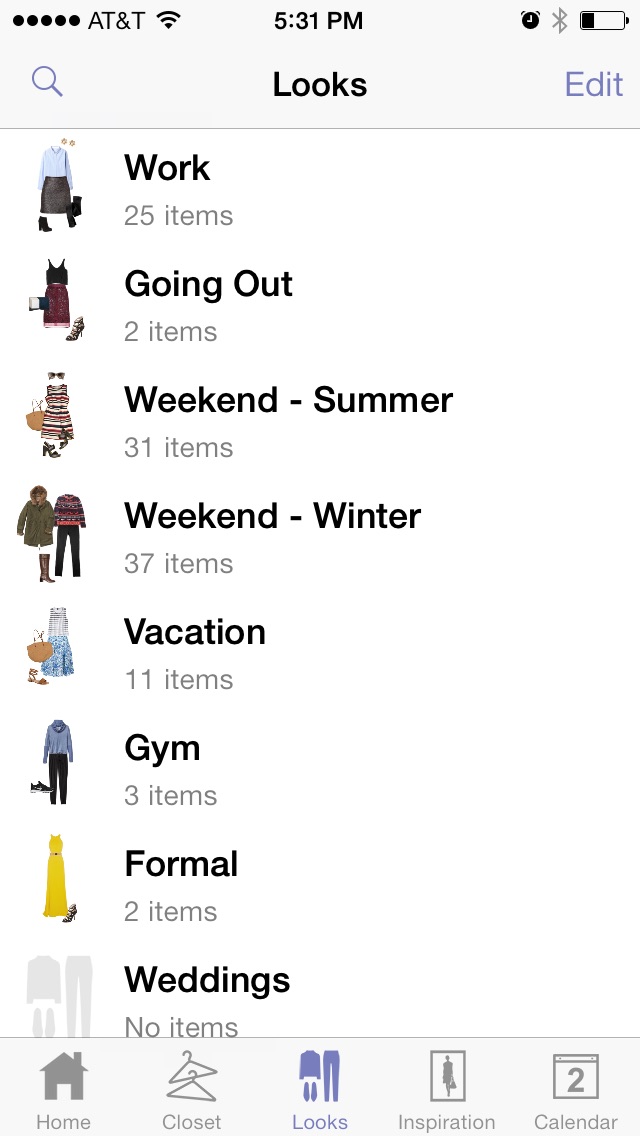
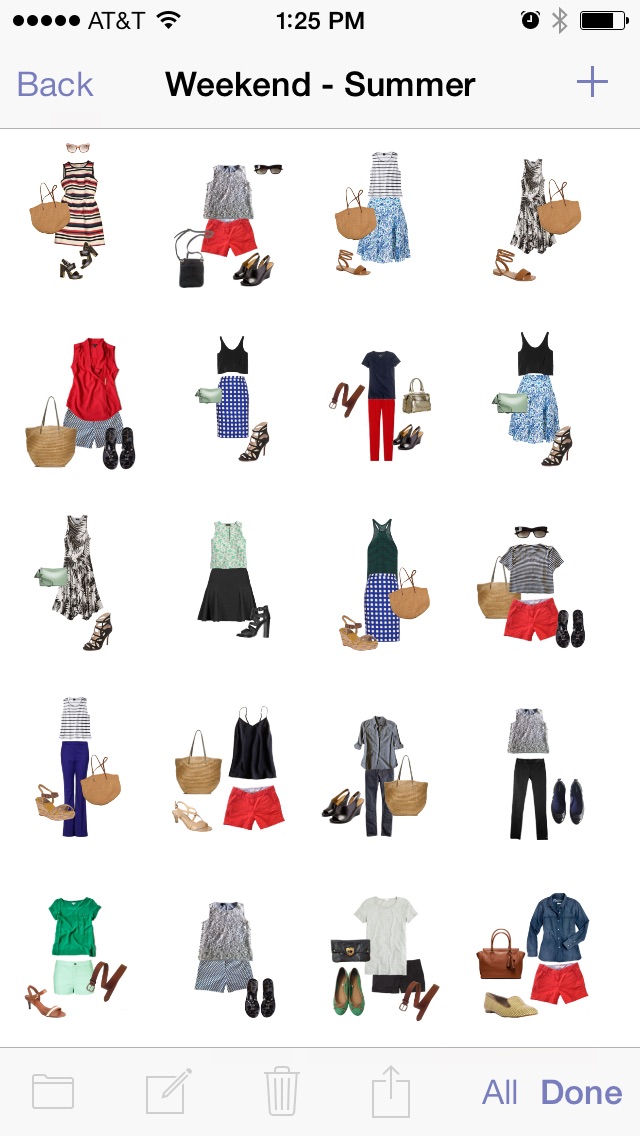
- Create magazine-style outfits on a free-form canvas Pinch and drag clothing items to create the perfect look
- Use Stylebook's Outfit Shuffle™ feature to shuffle your closet like a deck of cards and reveal new outfit ideas hiding in your closet
- Add unlimited clothing, accessories and inspiration to your outfits
- Create mini mood boards by saving inspiration photos in your outfit
- Clone Outfit Create variants on a successful look by cloning it and then making changes to the cloned outfit
- See a list of dates you've worn an outfit
- Multiple Select Select multiple items to edit their notes, move them to a new category or share them with a friend
- Search for clothing while creating an outfit
- Add, edit, delete or re-order your outfit category names
- Re-order outfit thumbnails in a category
- Pinch an item to resize it Or double-tap to manually resize hard-to-pinch items
- Shop clothing items in an outfit, if you've added them from the Shop feature
- Record searchable notes, tags and seasons for outfits
- Share with friends via email, text message, Facebook, Twitter or Pinterest
- Use Wifi Share to instantly transmit multiple outfits to another device
- Double-tap an item to see additional menu options and see clothing item details from inside the outfit
Closet
Always know what's in your closet with a searchable catalog of your real clothes
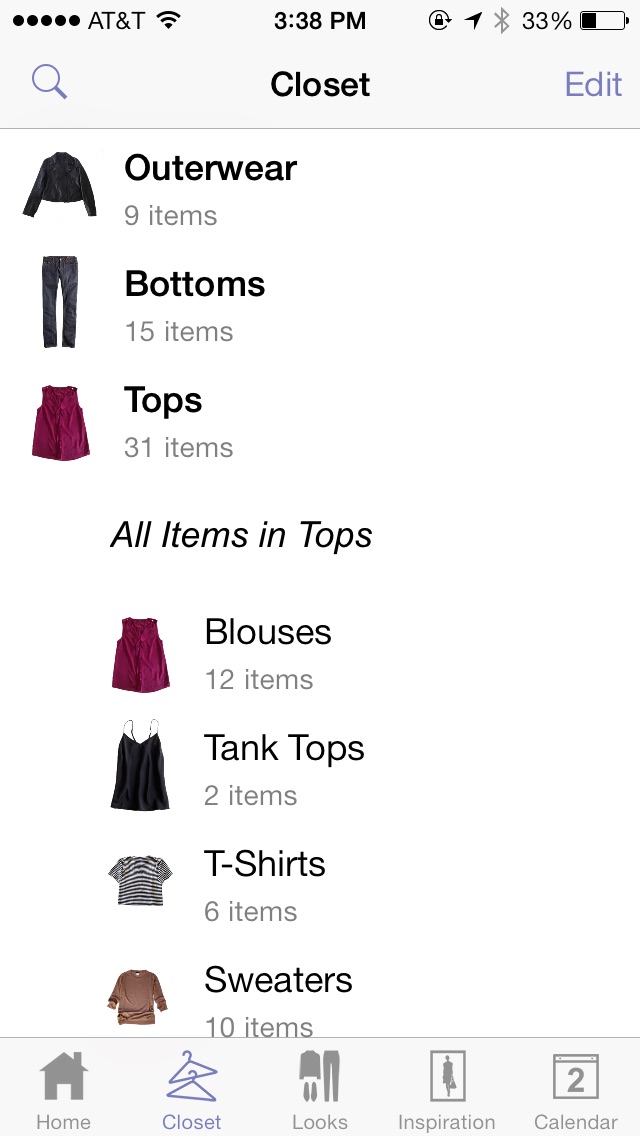
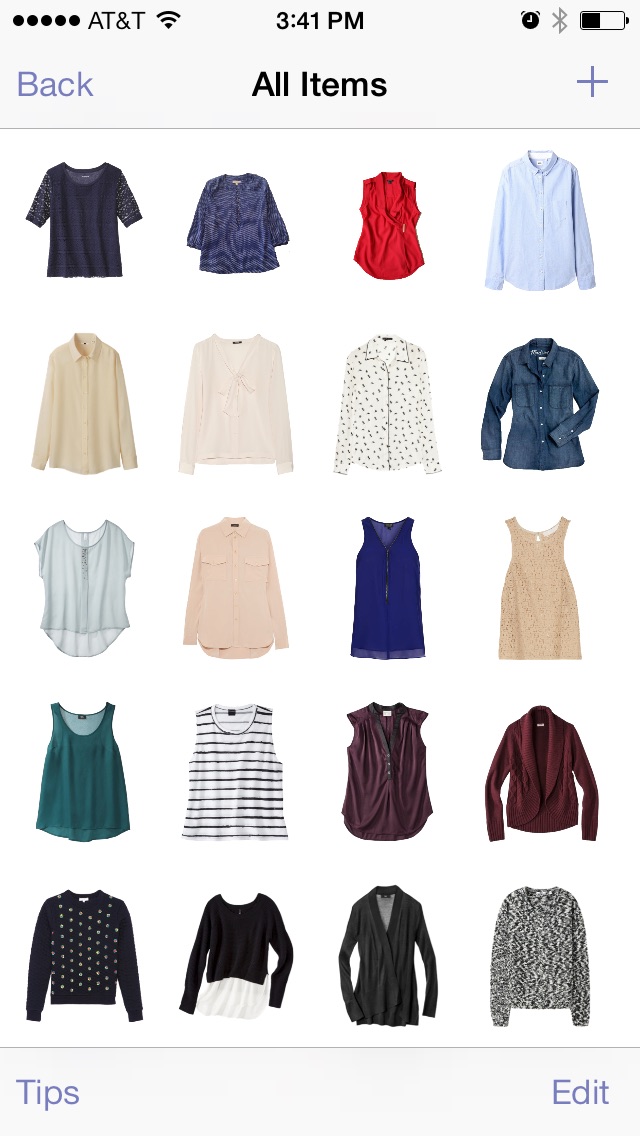
- Add photos of your own clothes from the built-in camera, your photo library, or using copy-and-paste
- Add images directly from stores and brands using the Shopping feature
- Continuous Import Import images one after the other without navigating through the initial import menus every time
- Remove the background from clothing images for perfect layering in outfits, using the background removal slider, the eraser tool and tap-to-clear
- Two-level closet category system with folders and subcategories
- See all items in a folder at once
- Multiple Select Select multiple items to edit their notes, move them to a new category or share them with a friend
- See a list of dates you've worn a clothing item
- Edit the background even after you first import an item - great for fixing mistakes or for adding items in a hurry
- Add, edit, delete or re-order your clothing category and folder names
- Re-order clothing thumbnails in a category
- Record searchable notes, tags, seasons, color, brand, fabric type size and URL for a clothing item
- Record an item's color by selecting from of over 100 color shades You can even track multiple colors for an item
- Track whether an item is clean, in the laundry, at the cleaners, lent out, or a wishlist item
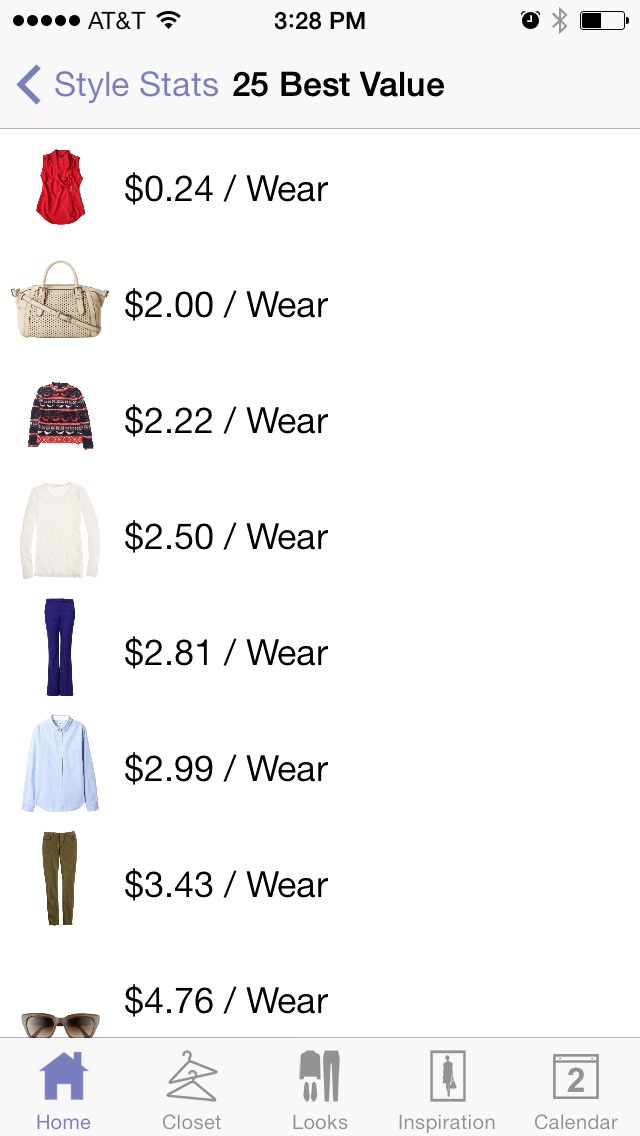
- Save each item's price Then let Stylebook's cost-per-wear calculator determine the value of an item, based on how many times you've logged it in the calendar
- Quickly see a list of all outfits including the same clothing item
- Add to outfits directly from the clothing screen
- Share with friends via email, text message, Facebook, Twitter or Pinterest
- Use Wifi Share to instantly transmit multiple clothing items to another device
Packing Lists
Create a visual packing list for upcoming trips by organizing outfits and clothing items into packing lists
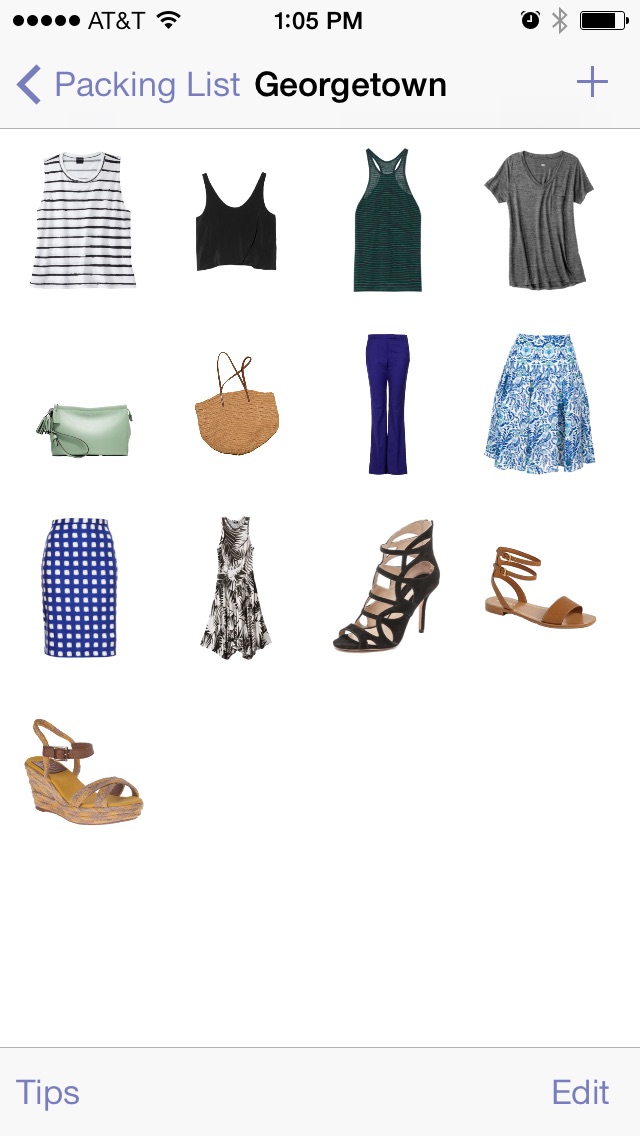
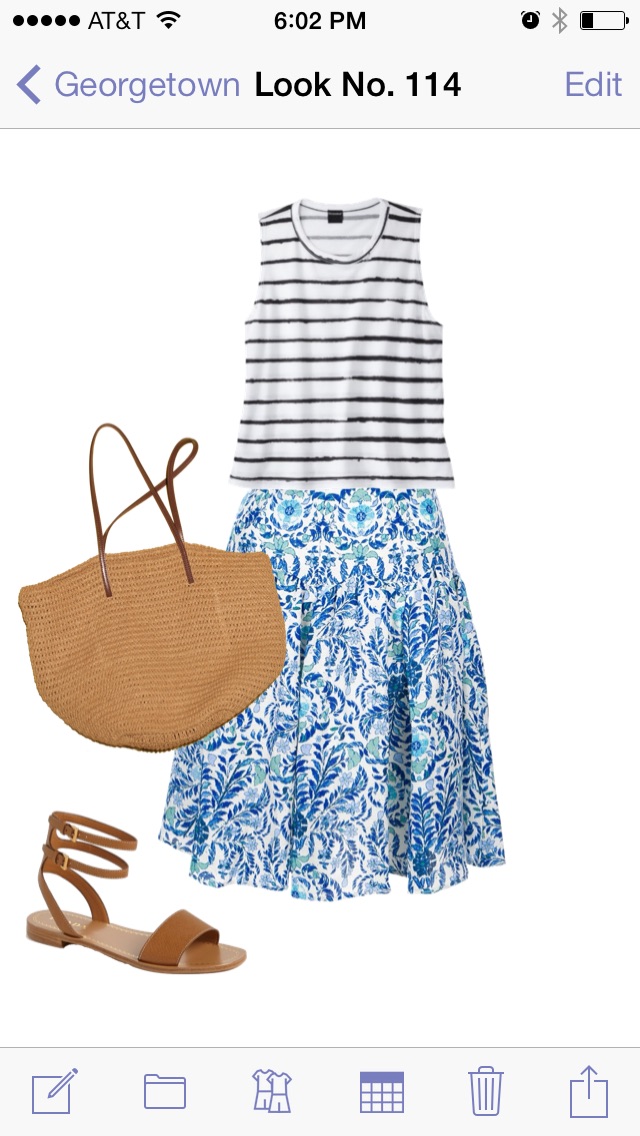
- Custom title and notes field: Leave reminders for yourself about your trip: destination, climate, occasion, etc.
- Re-order your packing lists: Move your upcoming trips to the top of the list
- Keep an archive of packing lists: Store unlimited packing lists, so you can remember what was effective on similar trips in the past
- Use the Packing Checklist feature to check off items as you pack them.
- Add an outfit to a packing list, and its clothing items will automatically be added to the list. Save your outfits first, then let Stylebook tell you which items to pack.
- Add individual clothing items (like coats or handbags) that aren't part of any outfit
- Search for clothing items and looks while adding to packing list
- Share clothing or outfits directly from the packing list - Multi-select to send several items at once via email or social media - great for coordinating with your travel companions, assistants, etc.
- Assign an image of your destination to each packing list
Calendar
Track what you wore and when you wore it - or plan outfits for the future!
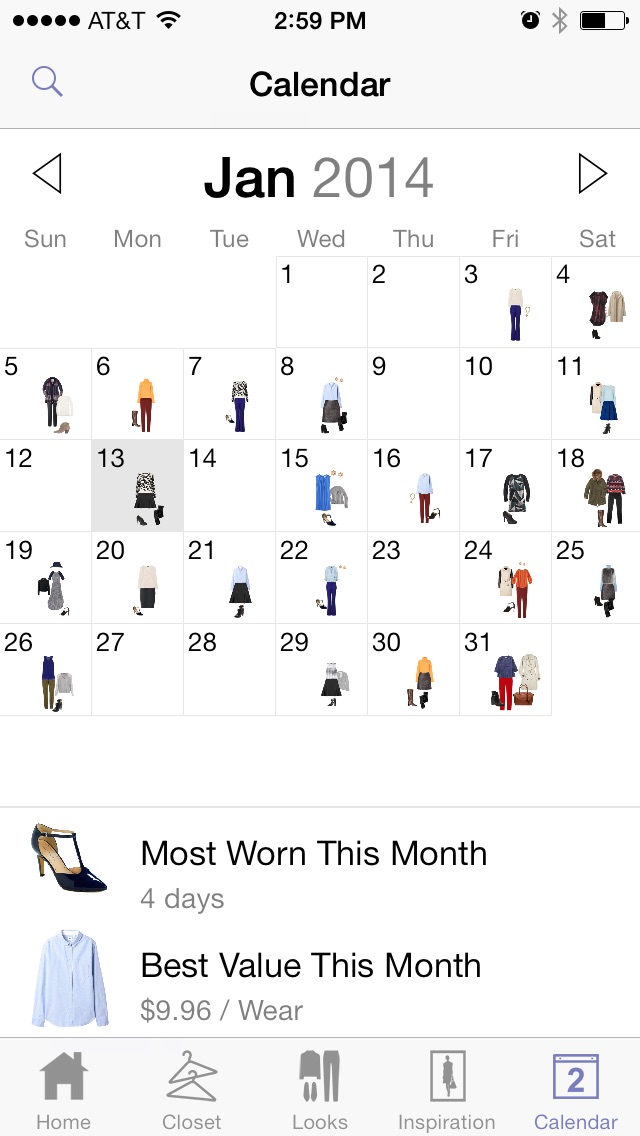
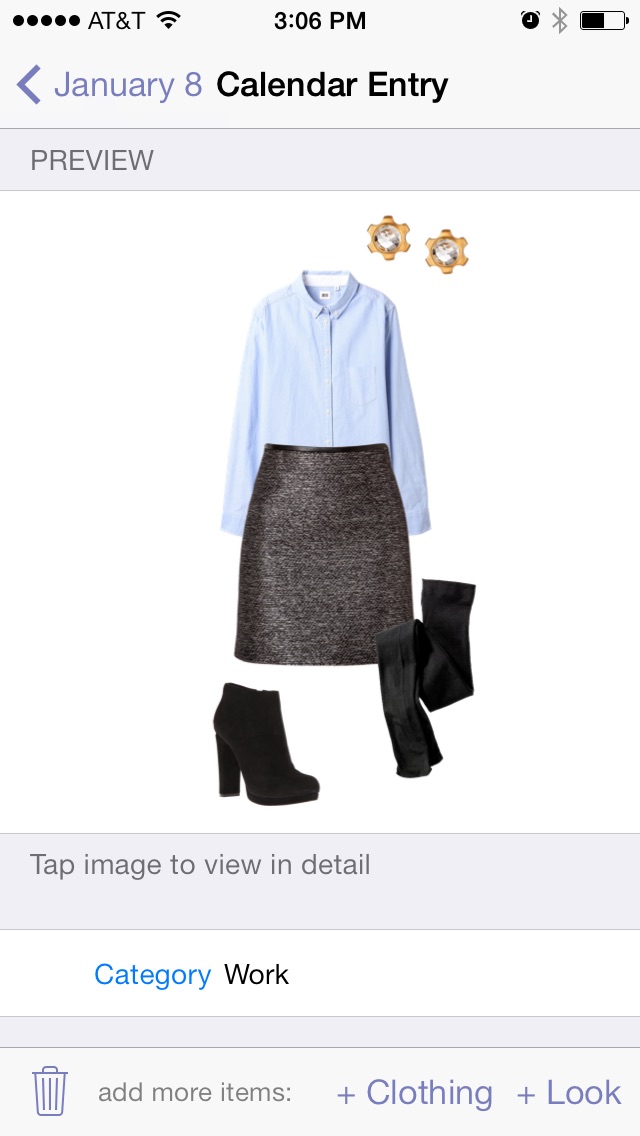
- Add multiple outfits or clothing items to a single date Log separate looks for work and going out. Plus, you can log single items like a coat or a handbag without having to create a brand-new outfit.
- Track what you wore The more you use the calendar, the more stats you'll get on how you use your clothes, so you can get the most out of what you already own
- Notes and Search Save notes on upcoming parties and events, or remember why you wore an outfit in the past.
- Title your items The first line in an item's notes field will become that item's title in the calendar.
- Re-order items within a day The first item will be the icon on the calendar grid
- See clothing or outfit details by tapping the preview in a calendar entry
- Worn history log Recording outfits and clothing on the calendar will let Stylebook generate worn history logs for clothing and outfits.
Style Stats
Get the most out of your wardrobe by gaining insight into how you use your clothes
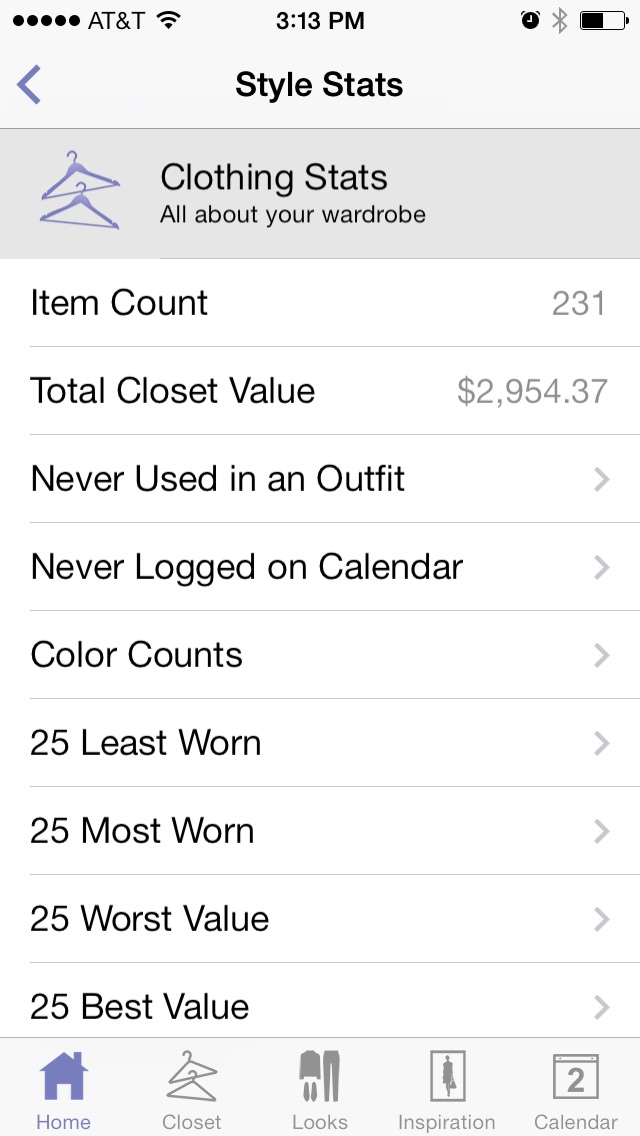
- Closet Count See the total number of items in your closet - you might be surprised by how many items you already own!
- Closet Value See the total value of all the items in your closet, based on the price field in your clothing notes
- Color Counts A color bar breaks down your closet by color - tap a color to see individual shades
- Not Used in Any Outfit Find out which items in your closet are under-utilized or may need to be donated
- Not Recorded on Calendar See items you haven't worn lately to freshen up your wardrobe without going shopping
- Top 10 Most & Least Worn See which outfits and clothing items you wear the most - and which ones you rarely wear. Learn about what works and what doesn't
- Outfit Count See how many outfit combinations you've made with your clothes and how well you stretch your wardrobe
- Average Items Per Look Useful when you're packing
- Most Recently Added Items See the items you've added to your closet most recently
- Save your body measurements e.g. waist, inseam, hips, etc
- Save clothing sizes by type e.g. tops, dresses, shoes
- Save exceptions for different brands Size can vary across brands, so once you've found your ideals size for a brand, save it as a brand exception to save time and hassle in the future
- Create, edit and rename body measurements
- Re-order your sizes Keep your most commonly-used sizes at the top or group similar entries
Shopping
Browse our favorite stores - and add your own, too!
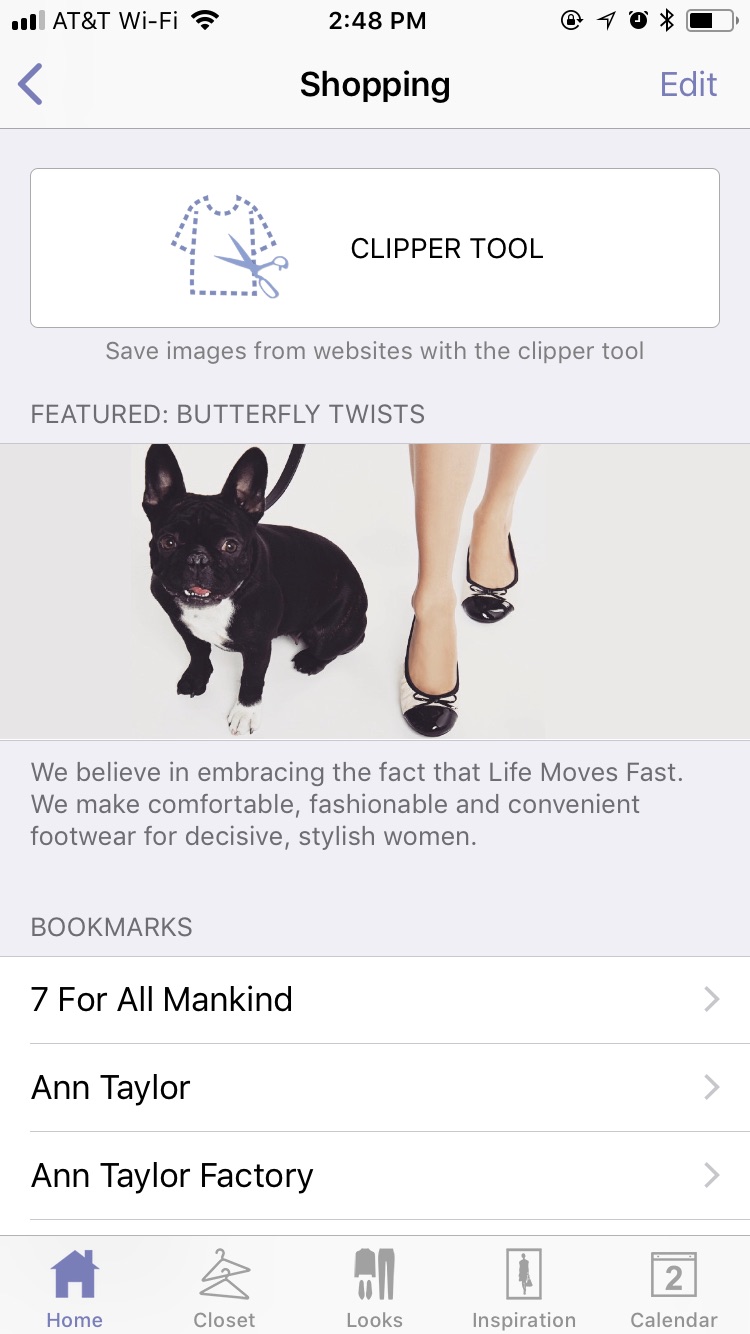
- Add your favorite shops to the totally customizable bookmarks list
- Browse the built-in bookmarks or add your own stores
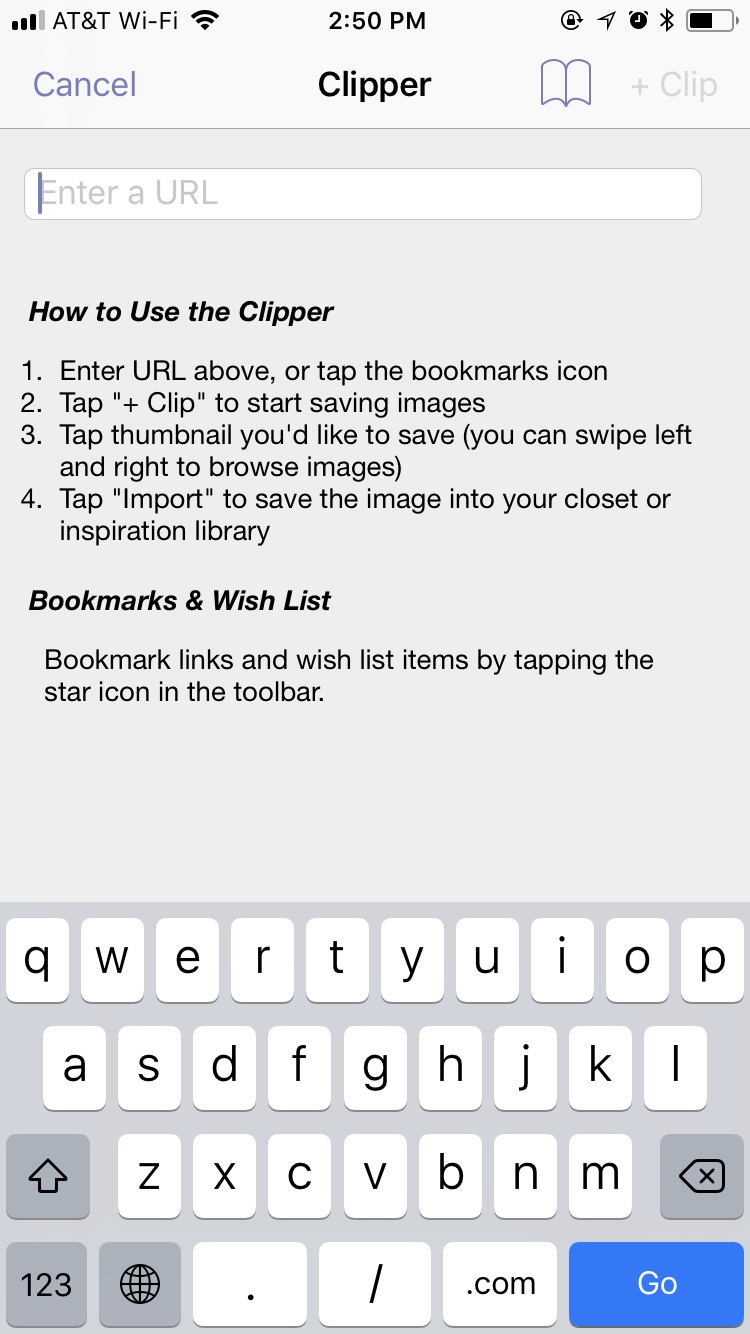
- Save images from stores with the clipper tool to test out new purchases with your existing wardrobe
- Save style inspiration images withthe clipper tool from blogs, social media and more!
- Clip products you want to buy onto a custom wishlist with photos to save them for later
- Create a text wishlist for items you want to buy, but haven’t located yet
- Discover new stores in the featured retailer section
- Add items directly to your closet See how many outfits you can make with a potential purchase before visiting the retailer's website - it's like taking your entire closet shopping with you!
- Share a product When you see something you're interested in, you can email or text a link to a friend - or email yourself so you can buy from a computer.
- Shop from Outfits Double-tap shopping items that have been added to an outfit to quickly visit the product page on the retailer's website - without closing the outfit
- Shop from the Closet After saving an item to the closet from shopping, you can access the product page directly from the closet entry
Instant Import
Quickly add photos to your closet


- No need to take pictures with 5 options to add clothes without taking pictures at al
- AI background removal Instantly cut out clothing items from almost any image, without any special background or setup
- Multiple import Add a huge number of clothes at once, and have them automatically cut out in seconds
- Generate Images with AI Start with text like "leather motorcycle jacket" and let Apple Intelligence create an image for you
- Drag and drop images from other apps (like Mail, Safari, Google Lens, etc).
- Wardrobe Basics Save time by using our catalog of wardrobe basics
- Take a Photo Use the built-in camera to take a photo and have the background instantly cut out
Style Expert
Get expert advice right inside Stylebook!
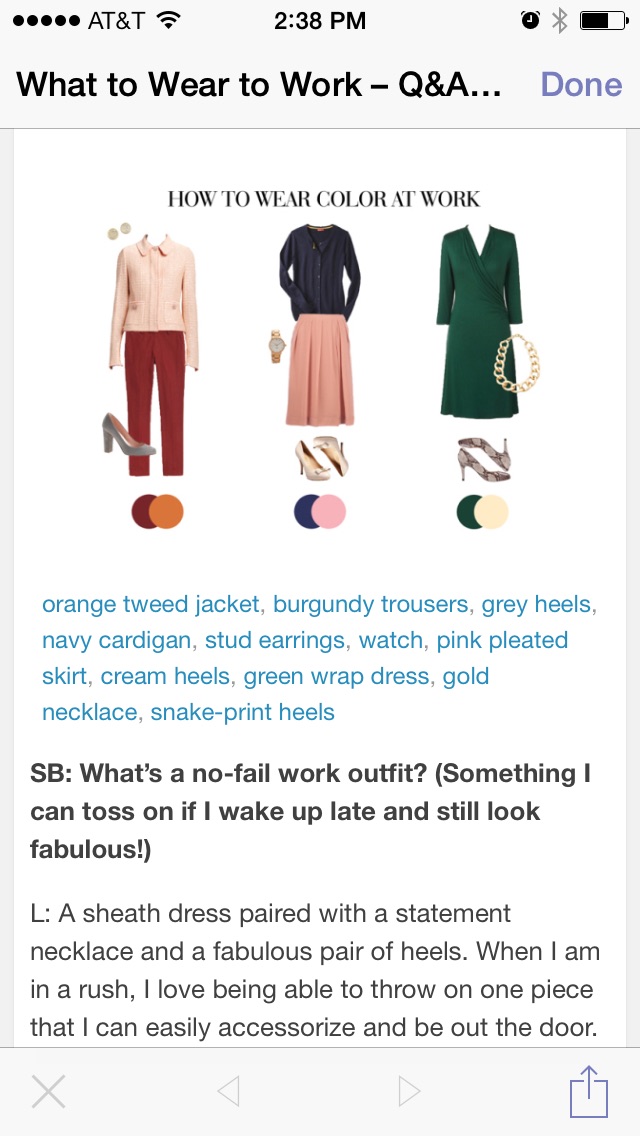
- Style Q&A Read interviews about how to improve your wardrobe with our favorite bloggers, designers and fashion insiders!
- Closet organizing tips from the experts at Organized Living
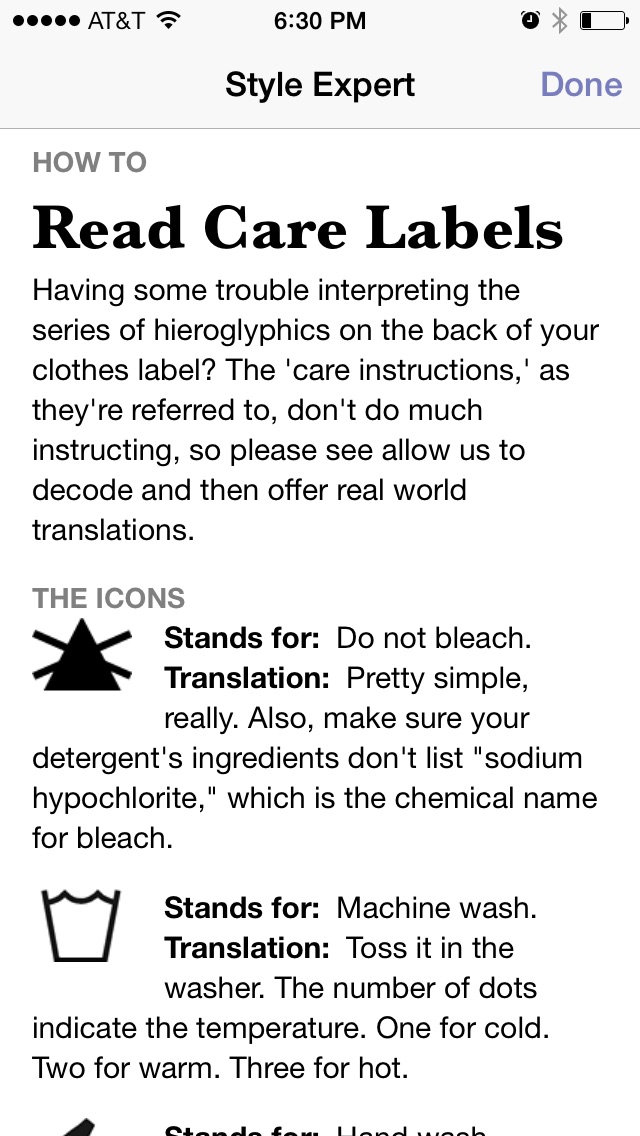
- Read clothing care advice from Valet. magazine Taking care of your clothes will help them continue to fit well and last longer - learn the basics here
- Get tailoring advice from Michael Duru Clothiers Learn how to find the right tailor and what to look for when fitting clothing. Plus, you can email questions about clothing fit.
- Style Guides Read articles from Stylebook co-founder Jess Atkins on how to get the most of your wardrobe
Inspiration
Save all your favorite style inspirations
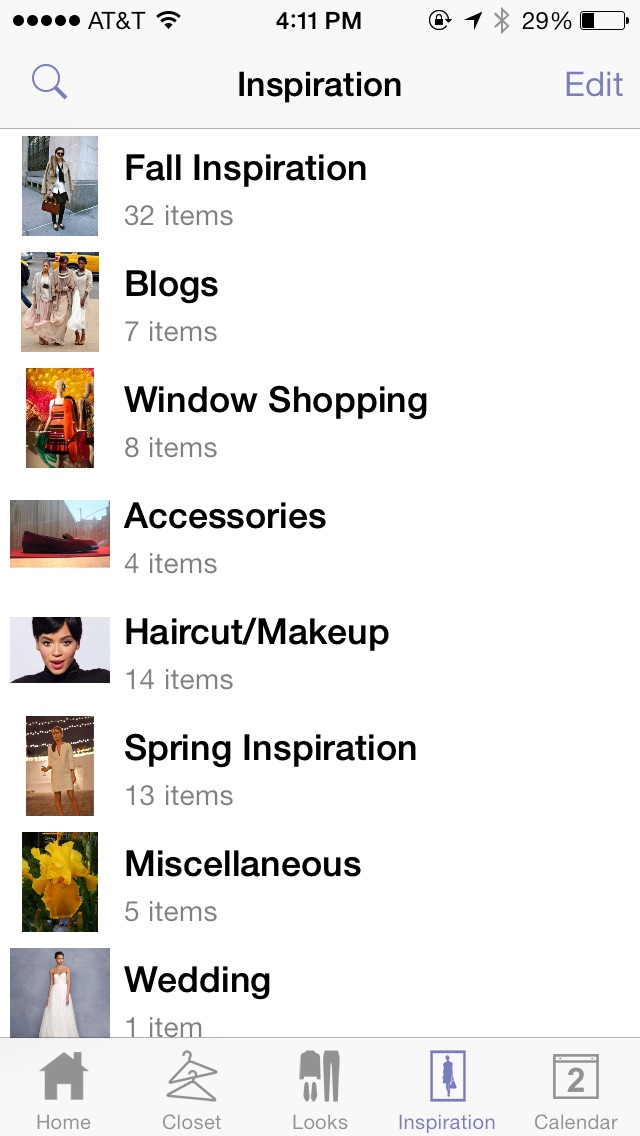
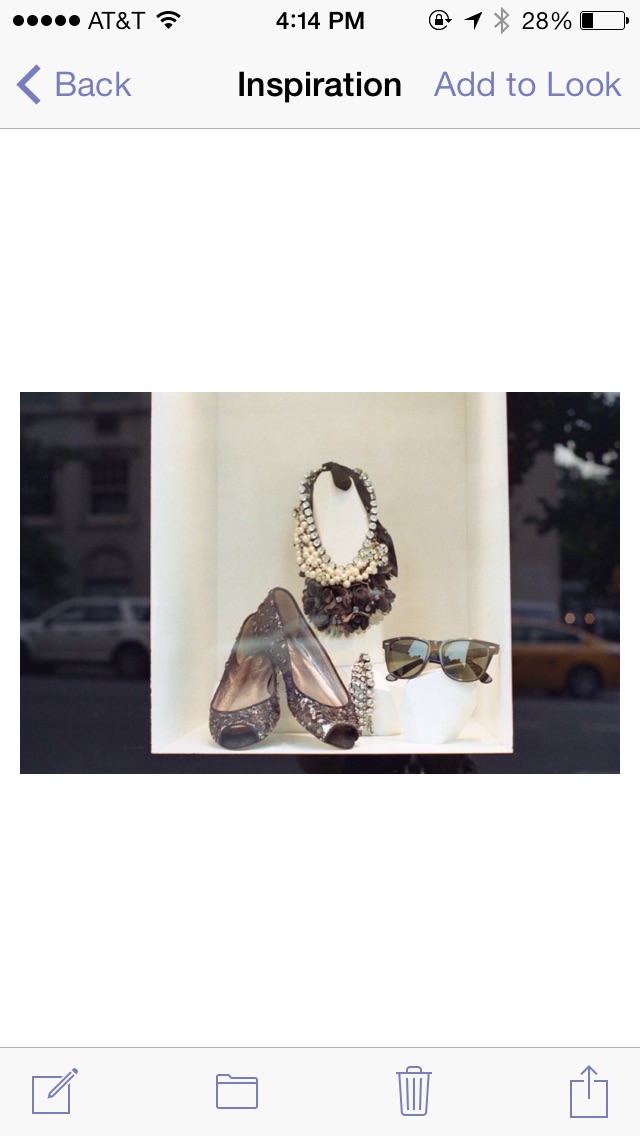
- Add photos of your inspirations from the built-in camera, your photo library, or using copy-and-paste
- Add images directly from stores and brands using the Shopping feature
- Continuous Import Import images one after the other without navigating through the initial import menus every time
- Save photos of yourself in your favorite looks to add to your outfit collages
- Multiple Select Select multiple items to edit their notes, move them to a new category or share them with a friend
- Add, edit, delete or re-order your inspiration category names
- Re-order inspiration thumbnails in a category
- Record searchable notes, tags, seasons, and URL for an inspiration
- Add to outfits directly from the inspiration screen
- Share with friends via email, text message, Facebook, Twitter or Pinterest
- Use Wifi Share to instantly transmit multiple clothing items to another device
Sync
See your closet data on your iPhone and iPad


- Automatically sync data between multiple devices with the same Apple ID
- Sync operates in the background so you can still use the app
- Ability to restore app data after accidental deletion
- See a summary of your saved sync data